A buyer-first marketplace
Approved sellers stand out because buyers know every storefront has passed a basic quality review.
Seller program
Lootora is buyer-first by default. To protect the marketplace, new sellers must be approved by staff before they can publish listings. The application helps us understand what you sell, how you deliver, and why buyers should trust your shop.
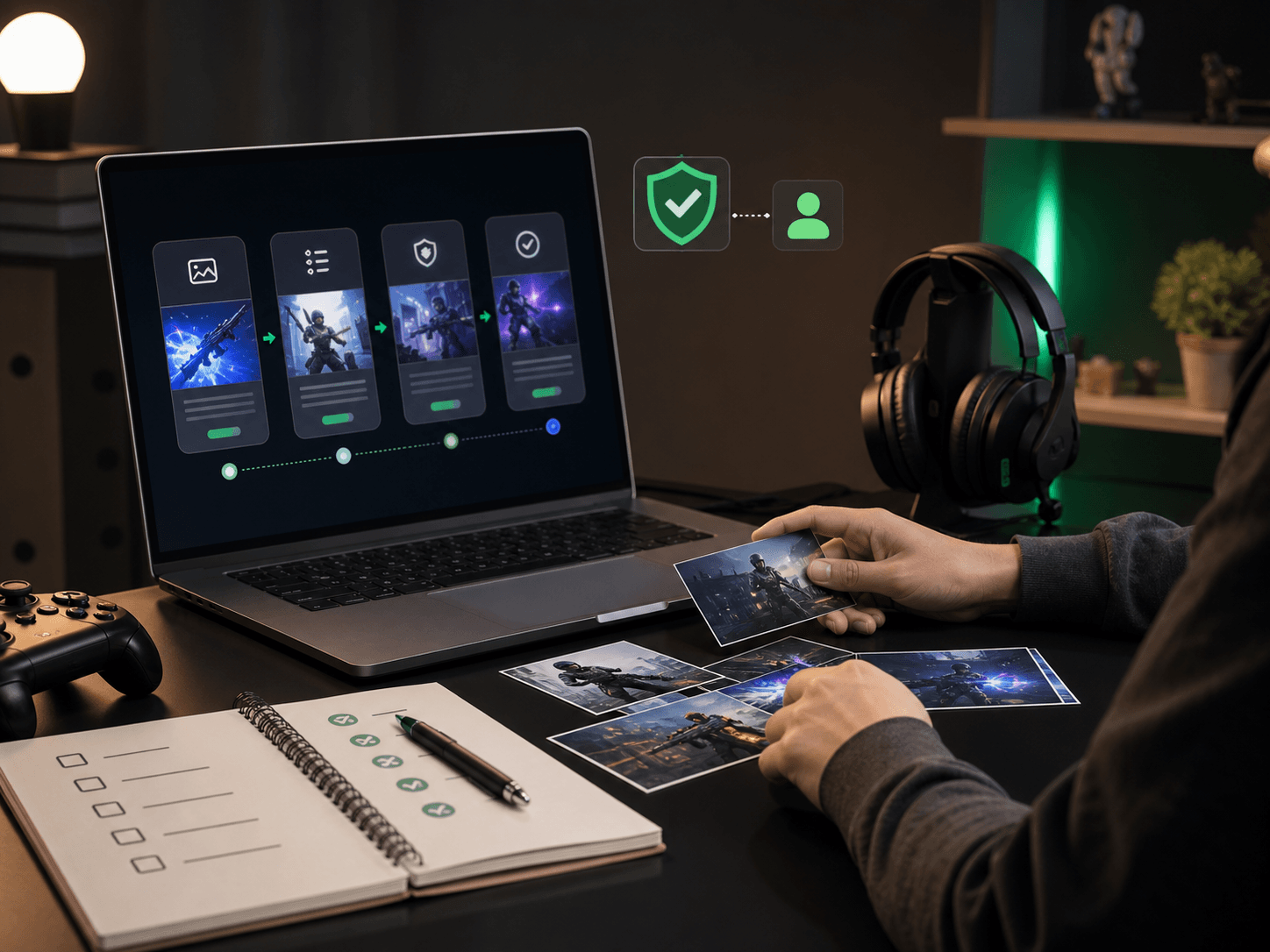
Approved sellers stand out because buyers know every storefront has passed a basic quality review.
Create listings, manage stock, answer messages, and track sales from one account dashboard.
Apply for currency, accounts, top-ups, items, boosting, and gift cards separately. Boosting sellers then request approval for each game they want to fulfill.
Keep order history, conversations, reviews, and support threads tied to the same marketplace account.
How approval works
Strong applications are specific. Explain what buyers receive, how quickly you deliver, what proof you can provide, and how you resolve issues if an order needs follow-up.
Apply now
Tell us about your shop, categories, delivery workflow, and seller history. More context helps staff review your application faster.
Sign in to submit an application.
You need a Lootora account so staff can review your application and attach seller access to the right profile.
FAQ
Include your seller name, product categories, delivery process, prior selling experience, and any proof that helps staff understand your reliability.
Yes. If your application is declined, you can submit a new one with more complete details or updated proof.
You can create listings in each standard category after staff grants it. Boosting is request-based instead: staff must also approve you for each individual game before requests reach your dashboard.
Yes. Return to this page to apply for any category that is not already granted to your account.